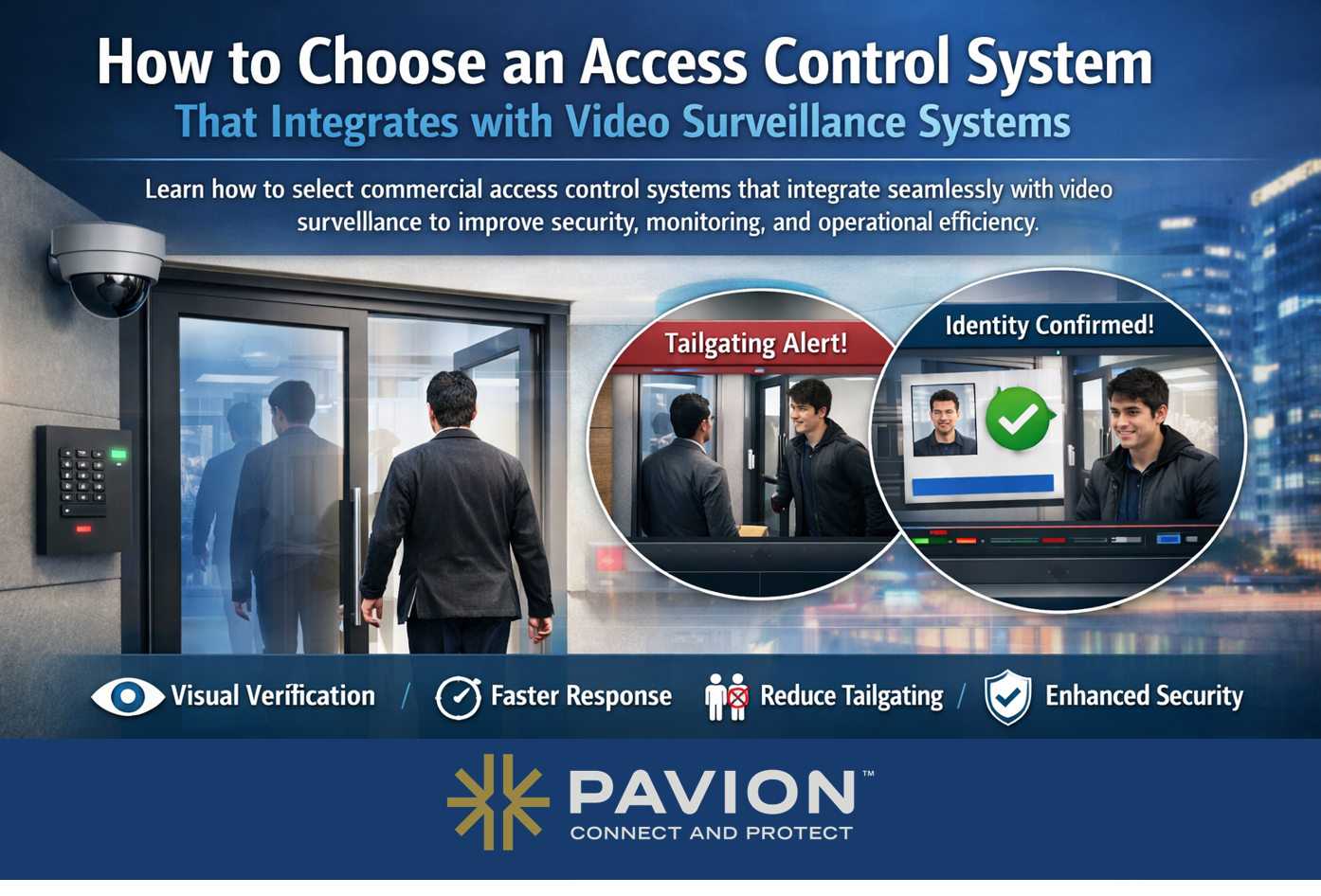
How to Choose an Access Control System That Integrates with Video Surveillance Systems

Knowing how to choose an access control system starts with one question: will it work with the cameras, monitoring, and life safety systems you already have? This guide walks through the steps to select a commercial access control system that integrates with video surveillance.
As security threats become more sophisticated, organizations can no longer rely on standalone systems. Today’s most effective security strategies are built on integrated technologies—where access control, video surveillance, and fire/life safety systems work together in real time.
For organizations evaluating commercial access control systems, the ability to seamlessly integrate with video surveillance is no longer a “nice to have.” It is a critical requirement for improving situational awareness, response times, and long-term return on investment.
Why Integration Matters in Commercial Access Control Systems
An access control system determines who can enter a facility and when. Video surveillance provides visual verification of activity. When these systems operate independently, security teams must manually connect the dots during an incident.
Integrated commercial access control systems enable:
- Visual verification of access events
- Faster incident investigation and response
- Reduced false alarms and tailgating incidents
- Improved compliance and auditability
From a security integrator’s perspective, integration transforms reactive security into proactive risk management.
Not sure your access control can talk to your cameras?
Contact Pavion today to schedule a security consultation.
What to Decide Before You Compare Systems
Before you compare vendors, document:
- How many doors, gates, and elevators need control today and in three to five years
- Who needs access (employees, contractors, visitors, tenants) and how often permissions change
- How many sites must be managed from one platform
- Which cameras, video management, alarm, and HR systems must connect
- Life safety and egress requirements for each controlled door
- Who will monitor, maintain, and administer the system
Step 1: Look for Open Architecture and Platform Compatibility
Not all access control systems integrate equally well with video surveillance platforms. Many legacy or proprietary solutions limit interoperability, locking organizations into specific vendors.
When evaluating commercial access control systems, prioritize:
- Open architecture platforms
- Native integrations with leading video management systems (VMS)
- API support for future system expansion
- Support for open industry standards, such as OSDP for secure reader communication and ONVIF profiles for access control and video interoperability
Open systems protect your investment and allow your security infrastructure to evolve over time. The same lock-in risk applies to life safety equipment – see what to do when a proprietary fire panel is no longer serviceable.
Step 2: Ensure Real-Time Event-to-Video Correlation
True integration goes beyond placing a camera near a door.
The best commercial access control systems allow security teams to:
- Automatically pull video footage tied to access events
- View live or recorded video when doors are forced or held open
- Instantly verify alarms triggered by unauthorized access
This level of visibility improves response accuracy and reduces unnecessary dispatches.
Step 3: Support Centralized Monitoring and Incident Management
Modern security environments often include multiple locations, varied user groups, and 24/7 monitoring requirements.
Integrated access control and video surveillance systems should support:
- Centralized dashboards for monitoring access and video events
- Consistent workflows for investigations and reporting
- Integration with security monitoring and fire alarm systems
Centralization is especially important for organizations managing distributed or high-traffic facilities.
See how Pavion pairs access control with video surveillance.
Explore Pavion’s Video Surveillance Systems.
Step 4: Consider Cybersecurity and Compliance Requirements
Commercial access control systems are part of your broader IT ecosystem—and must be secured accordingly.
When selecting a solution, evaluate:
- Encryption and secure credential management
- Role-based access and audit trails
- Compliance with industry and regulatory standards
Cloud-enabled and hybrid systems often provide enhanced security features and automatic updates, reducing long-term risk.
Step 5: Plan for Scalability and Long-Term ROI
Security systems should grow with your organization. Integrated commercial access control systems should:
- Scale easily as facilities expand
- Support new credential types and mobile access
- Integrate with future video, analytics, and monitoring technologies
A scalable, integrated approach delivers stronger ROI by reducing future upgrade and replacement costs.
Step 6: Compare Credentials, Hosting, and Total Cost of Ownership
- Credentials: cards and fobs, mobile credentials, and biometrics each balance cost, convenience, and security differently. Many organizations run more than one.
- Hosting: on-premises systems keep servers on site, cloud-hosted systems move updates and remote management to the provider, and hybrid systems combine both.
- Total cost of ownership: compare hardware, installation, licensing or subscription fees, credential costs, and ongoing service over the life of the system, not just the installed price.
The Role of a Trusted Security Integrator
Selecting the right access control system isn’t just a technology decision — it’s a strategic one. A trusted security partner can offer multiple options tailored to your needs, factoring in the level of analytics required, integration with other systems (such as HR platforms), and the broader data insights that can deliver value across the organization.
An experienced security and fire systems integrator can:
- Assess your operational and life safety requirements
- Design integrated access control and video surveillance solutions
- Ensure compliance with fire and egress regulations
- Support ongoing monitoring, maintenance, and optimization
Real-World Examples of Integrated Access Control and Video Surveillance
- Cameras can help detect tailgating or situations where someone may be using another person’s access card, providing visual verification alongside access data.
- While access control logs show who entered restricted or high-value areas, integrated video allows you to confirm that the individual entering is actually the authorized cardholder, strengthening security and accountability.
Integration done right enhances both security and safety while simplifying operations.
Building a Smarter, Integrated Security Environment
When commercial access control systems are integrated with video surveillance, organizations gain more than access management—they gain insight, efficiency, and confidence in their security operations.
By focusing on interoperability, real-time visibility, cybersecurity, and scalability, organizations can select an access control solution that delivers lasting value and supports a comprehensive security and fire safety strategy.
Choose an Access Control System That Grows With You
Pavion designs, installs, and supports open, integrated access control and video systems for single buildings and national portfolios.
Contact Us Today to compare options for your facilities and get a recommendation built around your existing systems.
FAQs: How to Choose an Access Control System
How do I choose an access control system for my business?
Start with a needs assessment covering doors, users, sites, and the systems it must connect to. Then prioritize open architecture, native video integration, cybersecurity, scalability, and total cost of ownership, and ask vendors to demo your own use cases.
Can access control integrate with my existing security cameras?
Often, yes, if the access control platform has a native integration or open API for your video management system. Confirm compatibility with your specific camera and VMS models before you buy.
What is the difference between cloud and on-premises access control?
On-premises systems run on servers at your site and are managed by your team or integrator. Cloud systems are hosted by the provider, which handles updates and allows remote management from anywhere. Hybrid systems mix both.
Do access control systems have to meet fire code?
Yes. Locked doors must still allow free egress in an emergency, and many electrified locks must release when the fire alarm activates. Requirements come from the building and fire codes your jurisdiction adopts, so coordinate access control design with your fire alarm system.