
Make a Payment or Enroll in AutoPay
Manage your account with our secure online payment portal. Make a one-time credit card payment or enroll in AutoPay for automatic monthly payments and added peace of mind.
Make A Payment
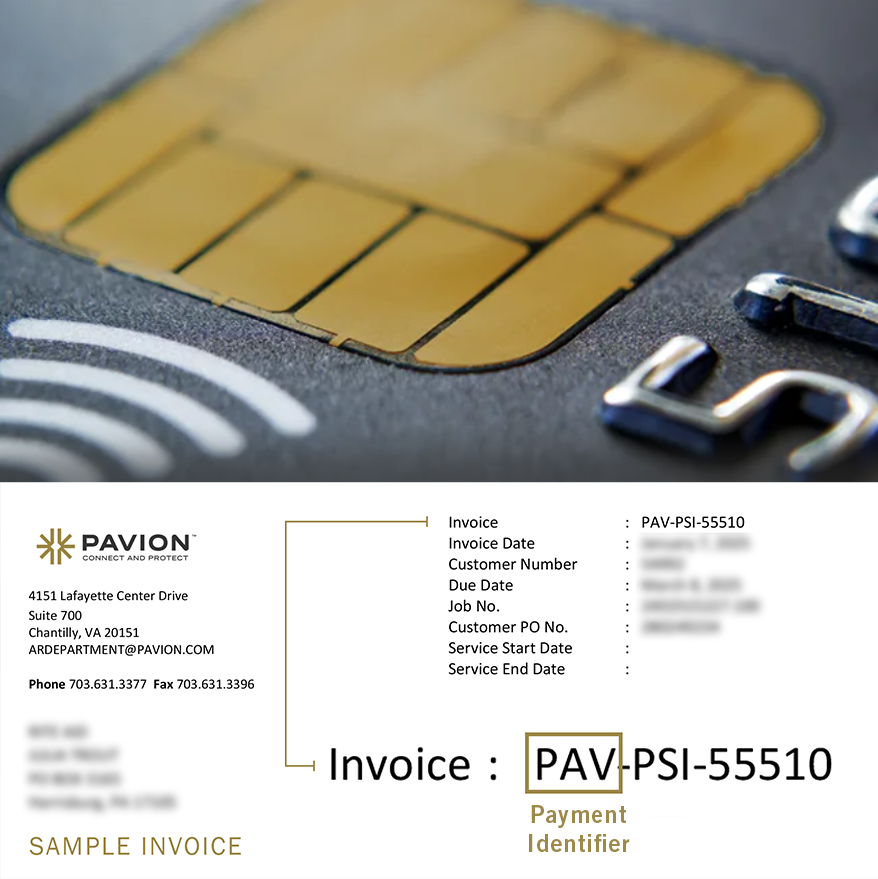
To make a one-time credit card payment, follow the steps below:
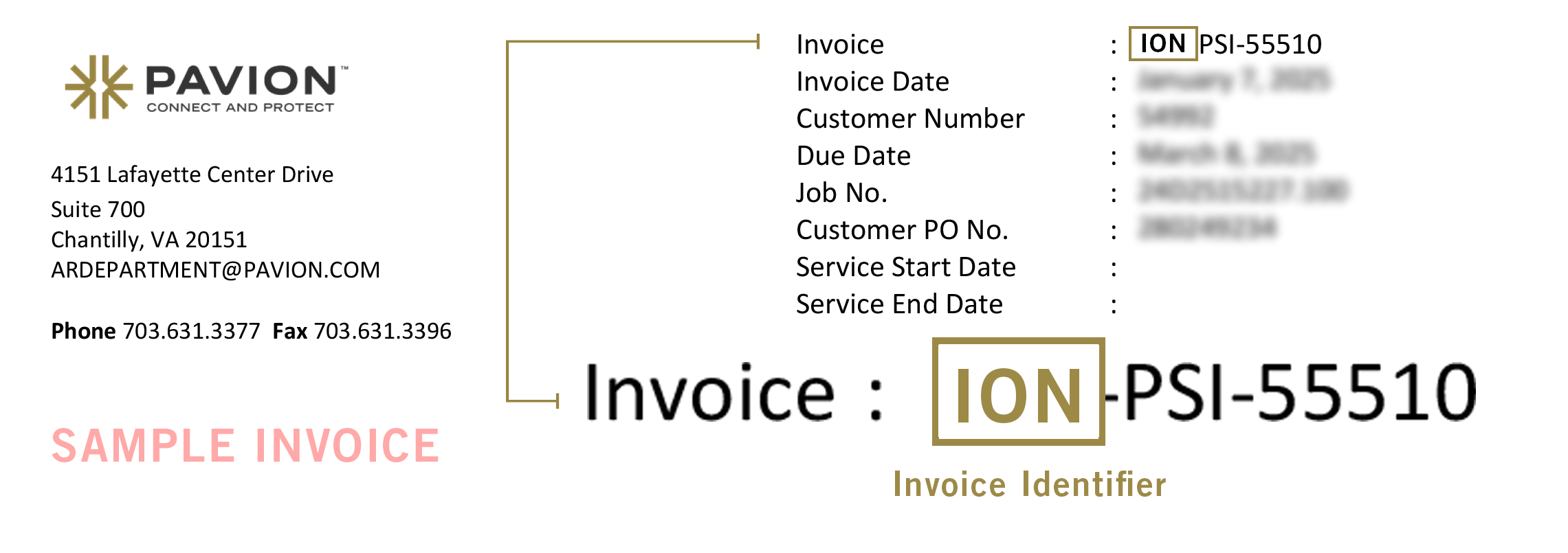
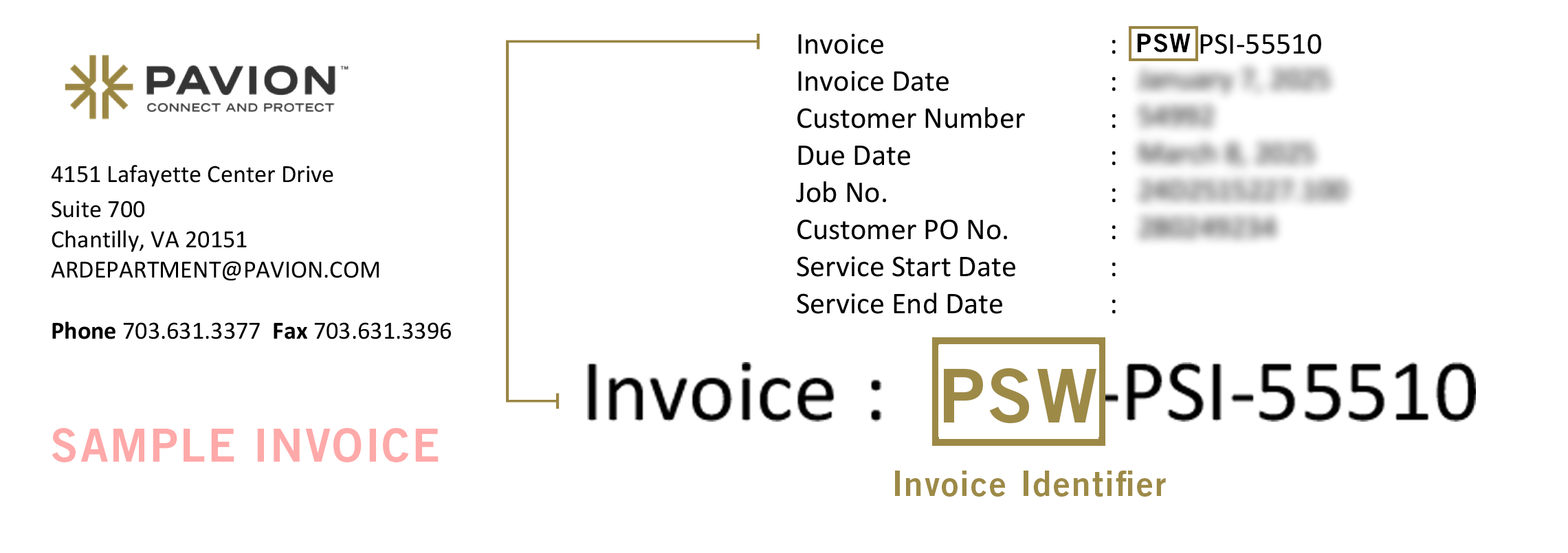
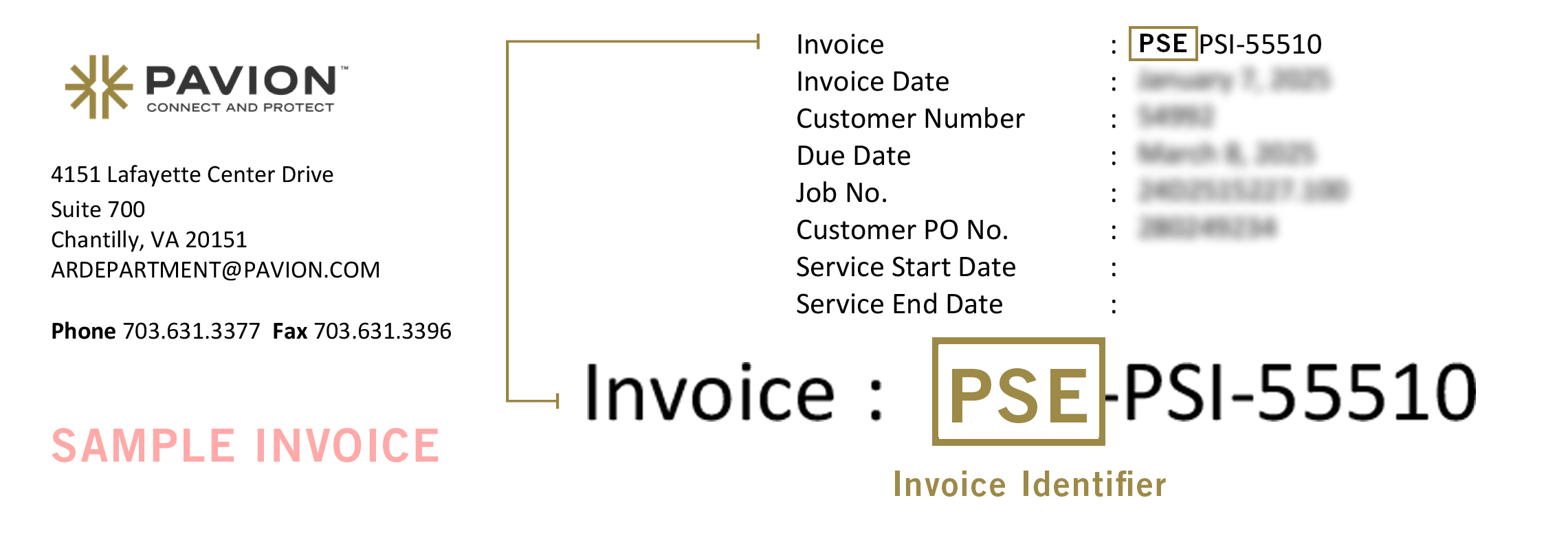
Step 1 – Locate your Payment Identifier at the top of your invoice
Step 2 – Select your Payment Portal from the drop down list below
Step 3 – Click the corresponding Portal Link to log in and proceed with your payment.

Save Time by Enrolling in AutoPay
AutoPay is a convenient, secure way to ensure your payments are made on time—every time.
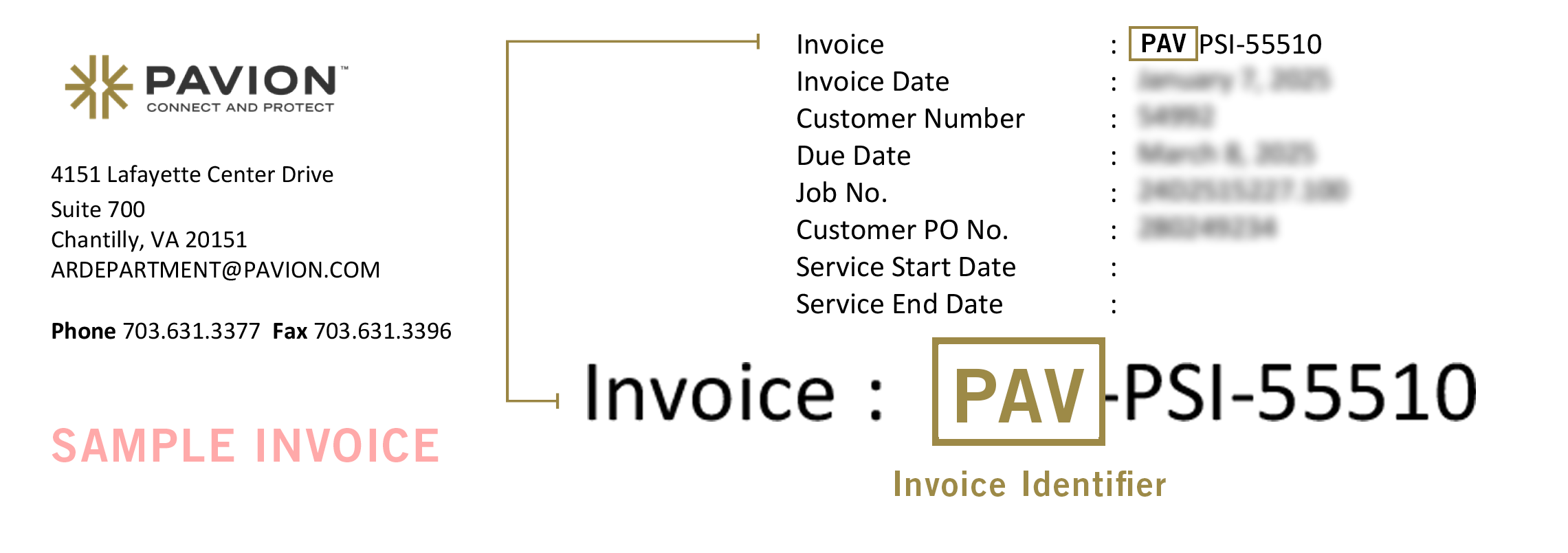
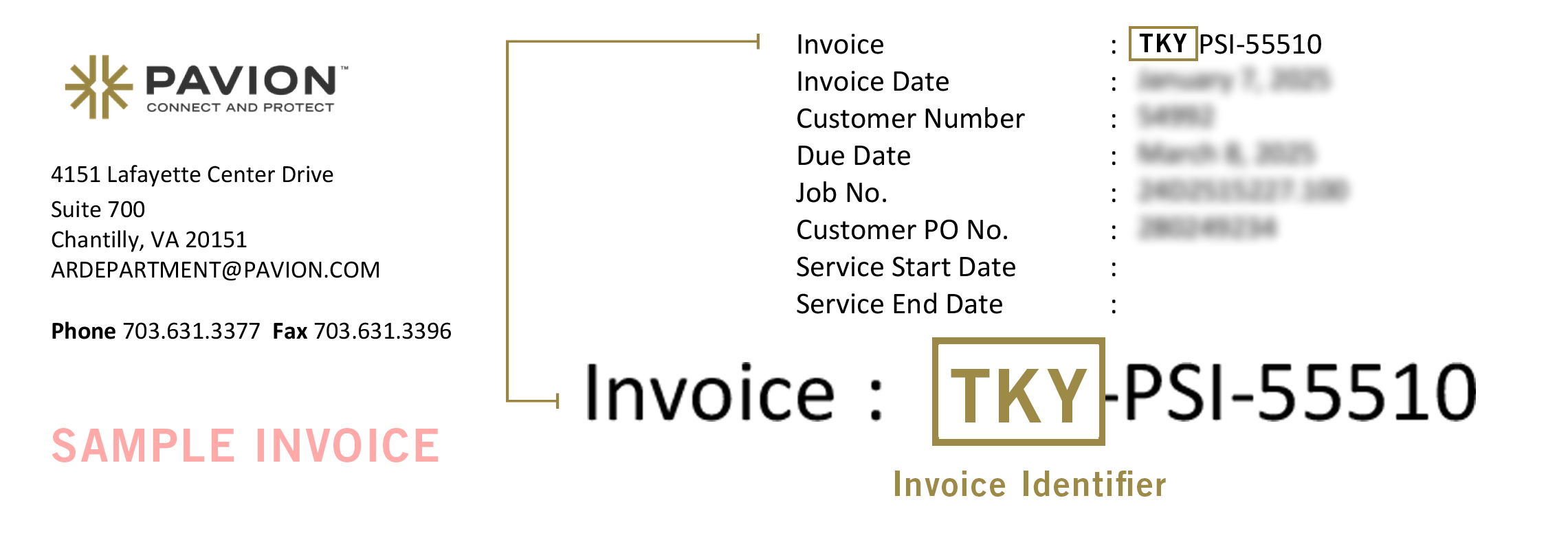
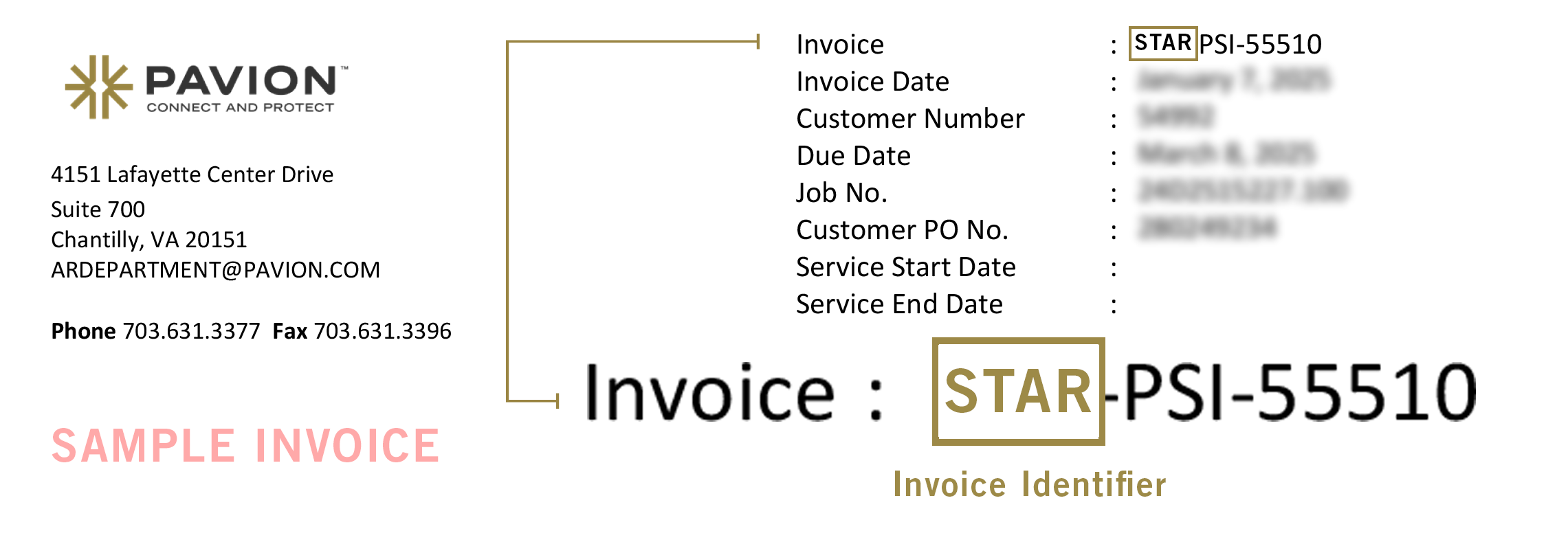
To enroll in AutoPay, follow the steps below:
Step 1 – Locate your Payment Identifier at the top of your invoice
Step 2 – Select your Payment Portal from the drop-down list below
Step 3 – Review these Instructions to set up an AutoPay account and enroll.