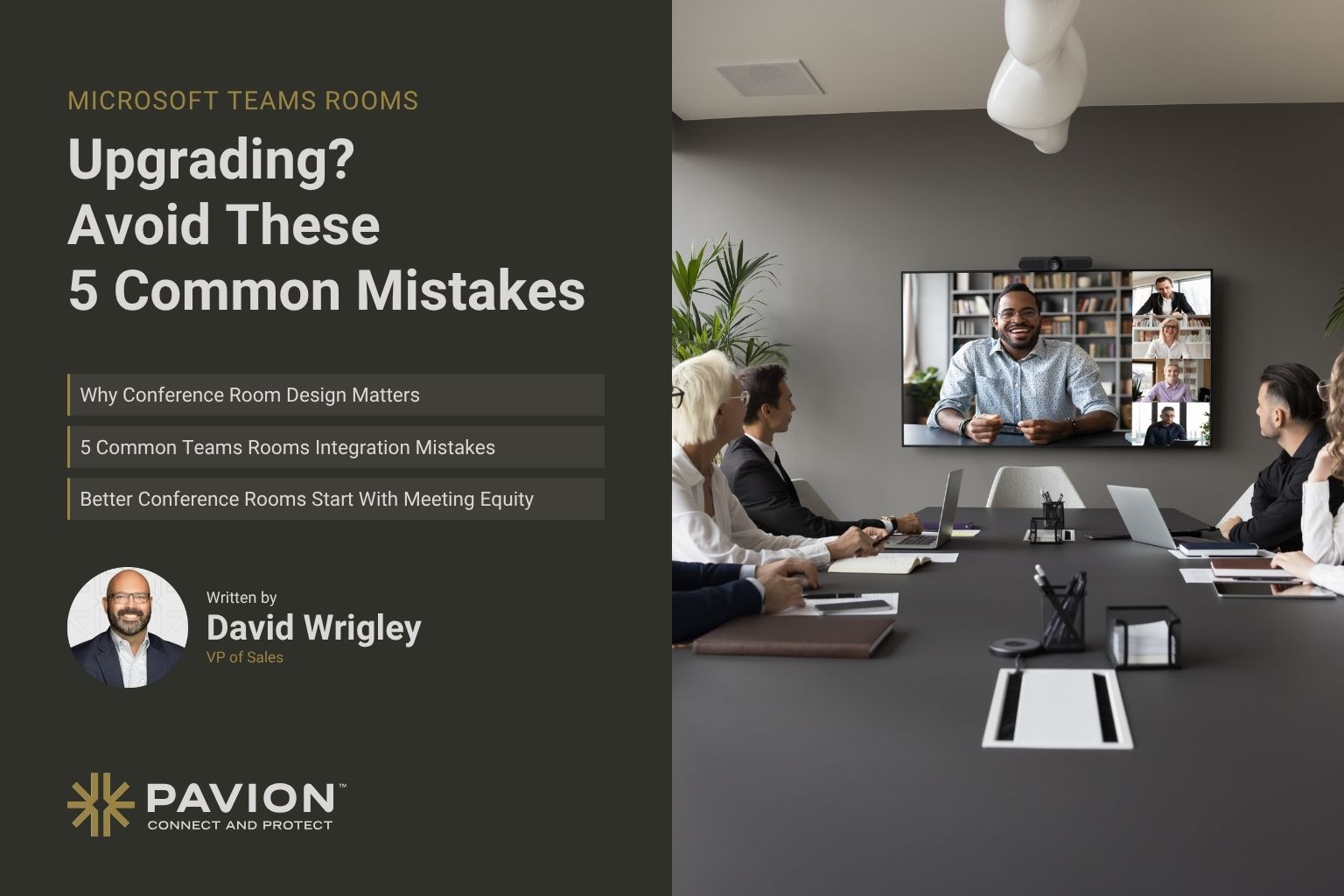
Upgrading Your Microsoft Teams Rooms? Avoid These 5 Common Mistakes

You can invest thousands of dollars in conference room technology and still end up with meetings where nobody can hear each other.
The camera misses half the table. Remote employees struggle to follow the conversation. Meetings start late because someone is troubleshooting the audio.
Often, these challenges aren’t caused by the collaboration platform itself. They come down to how the room’s technology was selected, designed and integrated.
Microsoft Teams Rooms offers powerful tools for hybrid collaboration, but getting the most out of the technology requires more than installing cameras, microphones and displays.
Before your next conference room upgrade, here are five common Microsoft Teams Rooms integration mistakes worth avoiding.
Why Conference Room Design Matters Just as Much as Technology
Upgrading conference room technology might seem straightforward. Replace outdated cameras, install new microphones and add larger displays.
But even high-quality audiovisual equipment has limitations when it isn’t suited to the room.
Consider a large boardroom equipped with a video bar designed for smaller meeting spaces. Participants seated farther away may struggle to be heard clearly.
Or picture a modern conference room surrounded by glass walls. The space looks impressive, but sound reflections can make conversations difficult for remote participants to understand.
These aren’t necessarily equipment failures. They’re often challenges that can be addressed through better planning and system design.
Effective conference room AV integration considers room layout, acoustics, equipment compatibility and how employees actually collaborate.
Planning a Microsoft Teams Rooms upgrade?
Explore Pavion’s commercial AV integration and collaboration solutions to design rooms around your space, acoustics and IT environment.
5 Common Microsoft Teams Rooms Integration Mistakes
A successful Microsoft Teams Rooms installation starts well before the equipment arrives. Avoiding these common planning mistakes can help organizations improve the meeting experience, reduce technical issues and make better use of their AV investments.
1. Choosing Equipment Before Evaluating the Room
Not every conference room needs the same technology.
A four-person huddle room has different requirements from a large executive boardroom or training space. Room dimensions, seating arrangements, lighting and acoustics all influence which cameras, microphones, speakers and displays will perform best.
Selecting equipment based solely on specifications or price can create problems when the technology isn’t suited to the environment.
What to do instead: Start with a room assessment. Evaluate how many people typically use the space, how meetings are conducted and whether the existing environment presents audio or video challenges.
An experienced Microsoft Teams Rooms integrator can help identify compatible equipment and configurations that support the room’s intended use.
2. Overlooking Audio Quality
Clear audio is one of the most important elements of a successful hybrid meeting.
Participants may be able to follow a conversation when a camera angle isn’t perfect. But when they can’t hear what’s being said, collaboration becomes significantly more difficult.
Common audio challenges include:
- Microphones that don’t adequately capture participants seated farther away
- Echoes caused by glass walls, high ceilings or other reflective surfaces
- Background noise from nearby offices or building systems
- Poor speaker placement that makes conversations difficult to understand
Adding more microphones isn’t always the answer. Microphone placement, room acoustics, audio processing and system configuration all influence sound quality.
What to do instead: Evaluate audio performance throughout the entire room. Properly designed audio systems should make it easy for both in-person and remote participants to hear and contribute to the conversation.
3. Treating Network Readiness as an Afterthought
Conference room technology doesn’t operate independently from an organization’s IT infrastructure.
Microsoft Teams Rooms systems rely on network connectivity, properly configured resource accounts, appropriate licensing and ongoing device management.
According to Microsoft’s Teams Rooms deployment guidance, organizations should evaluate site readiness, network requirements, resource accounts and management capabilities as part of implementation.
Overlooking these requirements can lead to installation delays, connectivity problems and additional demands on internal IT teams.
What to do instead: Involve IT teams early in the planning process. Confirm network requirements, security policies, licensing, authentication and device management responsibilities before installation begins.
Coordinating AV and IT requirements from the start helps create a smoother deployment process.
4. Creating a Different Meeting Experience in Every Office
For organizations operating across multiple locations, inconsistent conference room technology can create unnecessary frustration.
One office may have an intuitive touchscreen controller. Another uses a different interface. A third requires employees to manually connect their laptops before every meeting.
Even when all three locations use Microsoft Teams, differences in room configurations can make the experience feel inconsistent.
This can complicate employee training, troubleshooting and ongoing support.
What to do instead: Establish standardized room designs based on room size and functionality.
Organizations don’t need identical equipment in every space, but they should aim for a familiar and consistent user experience.
A standardized Microsoft Teams Rooms integration strategy can also simplify future upgrades, employee training and technology management across multiple locations.
5. Forgetting About Support After Installation
A successful conference room upgrade doesn’t end when the equipment is installed.
Software and firmware require updates. Devices need maintenance. Employees occasionally encounter technical issues, and meeting room requirements may change over time.
Without a clear support plan, these responsibilities often fall on internal IT teams that are already managing other business-critical systems.
What to do instead: Establish support and maintenance responsibilities before deployment.
Determine who will manage updates, troubleshoot problems, monitor device health and coordinate maintenance when needed.
The goal isn’t simply to get a conference room working on installation day. It’s to keep that room reliable and easy to use over time.
Better Conference Rooms Start With Meeting Equity
A successful hybrid meeting should work just as well for someone joining remotely as it does for someone sitting at the conference table.
That isn’t always the case.
Remote participants may struggle to identify who’s speaking, hear side conversations or follow content shared in the room. Meanwhile, employees attending in person may not realize those challenges exist.
This is where meeting equity becomes important.
Meeting equity focuses on creating an environment where participants can engage effectively, regardless of their location.
Intelligent camera framing, properly positioned microphones and appropriately sized displays can help create a more consistent experience for everyone.
Solutions like Pavion’s PX Meeting Room bring together collaboration technology, intuitive controls and dedicated Microsoft Teams Rooms integration options to support more effective hybrid meetings.
The goal isn’t to add more technology. It’s to make sure everyone can participate.
Want a Teams Rooms setup that works for every participant?
Learn more about Pavion’s PX Meeting Room solution for dedicated Microsoft Teams Rooms and Zoom Rooms integration options.
When Should You Work With a Microsoft Teams Rooms Integrator?
Not every meeting space requires a complex audiovisual installation.
For smaller rooms with straightforward requirements, a properly configured Microsoft Teams Rooms system with compatible, certified equipment may be sufficient.
However, professional AV integration becomes increasingly valuable as meeting environments become more complex.
Organizations may benefit from working with a Microsoft Teams Rooms integrator when they are:
- Upgrading executive boardrooms, training spaces or large conference rooms
- Managing meeting technology across multiple offices
- Experiencing recurring audio, video or connectivity issues
- Integrating new technology with existing AV and IT infrastructure
- Standardizing meeting room systems across an organization
- Planning long-term technical support and maintenance
An experienced integration partner can evaluate the existing environment, identify potential challenges and recommend solutions that support both current collaboration needs and future growth.
The value goes beyond installing equipment. It’s about designing an entire meeting environment that works as intended.
How Pavion Helps Organizations Get More From Microsoft Teams Rooms
Getting the most from Microsoft Teams Rooms starts with thoughtful AV system design and integration.
Pavion helps organizations create audiovisual environments that work with their existing infrastructure and support the way their employees collaborate.
Through our commercial AV integration and collaboration solutions, we help businesses bring together video conferencing technology, professional audio, displays and control systems into more effective meeting spaces.
Our PX Meeting Room solution offers dedicated Microsoft Teams Rooms and Zoom Rooms integration options, helping organizations create intuitive and consistent collaboration experiences.
From individual conference room upgrades to larger multi-location projects, Pavion works with organizations to identify technology solutions that meet their operational needs.
Because the best conference room isn’t necessarily the one with the most equipment. It’s the one that allows employees to focus on the meeting instead of the technology.
Make Your Next Conference Room Upgrade Count
Upgrading Microsoft Teams Rooms is an opportunity to improve how employees communicate, collaborate and share information.
A successful integration strategy considers the entire meeting environment, including room design, acoustics, network readiness, equipment compatibility and ongoing support.
Taking the time to evaluate these factors before upgrading can help organizations avoid common mistakes and create meeting spaces that are more reliable, consistent and easier to use.
Planning a Microsoft Teams Rooms upgrade? Explore Pavion’s PX Meeting Room solutions or contact our team to discuss your conference room and AV integration needs.
Frequently Asked Questions About Microsoft Teams Rooms Integration
What is Microsoft Teams Rooms integration?
Microsoft Teams Rooms integration involves designing, configuring and connecting audiovisual equipment, room controls and IT infrastructure to create a dedicated Microsoft Teams meeting environment. This may include cameras, microphones, speakers, displays, touch controllers, certified room hardware and device management capabilities.
What is the difference between Microsoft Teams and Microsoft Teams Rooms?
Microsoft Teams is a collaboration platform employees can access from their computers and mobile devices. Microsoft Teams Rooms is a dedicated meeting room solution that combines Teams software with certified room hardware to provide shared meeting controls, audio, video and content sharing capabilities.
Do you need an AV integrator for Microsoft Teams Rooms?
Not always. Smaller meeting spaces with straightforward requirements may only need a properly configured Microsoft Teams Rooms system. Larger rooms, complex audiovisual environments and multi-location deployments often benefit from professional AV integration to address acoustics, equipment compatibility, system design and ongoing support.
Can Microsoft Teams Rooms work with existing conference room equipment?
In some cases, yes. Compatibility depends on the existing equipment, Microsoft Teams Rooms certification requirements and the intended system configuration. An AV integrator can assess which components can be reused and where upgrades may be necessary.
How much does a Microsoft Teams Rooms installation cost?
Microsoft Teams Rooms installation costs depend on room size, equipment requirements, installation complexity, licensing and ongoing support needs. A small huddle room typically requires a different investment than a large boardroom with advanced audio, video and control systems. A professional room assessment can help determine the appropriate scope and budget.