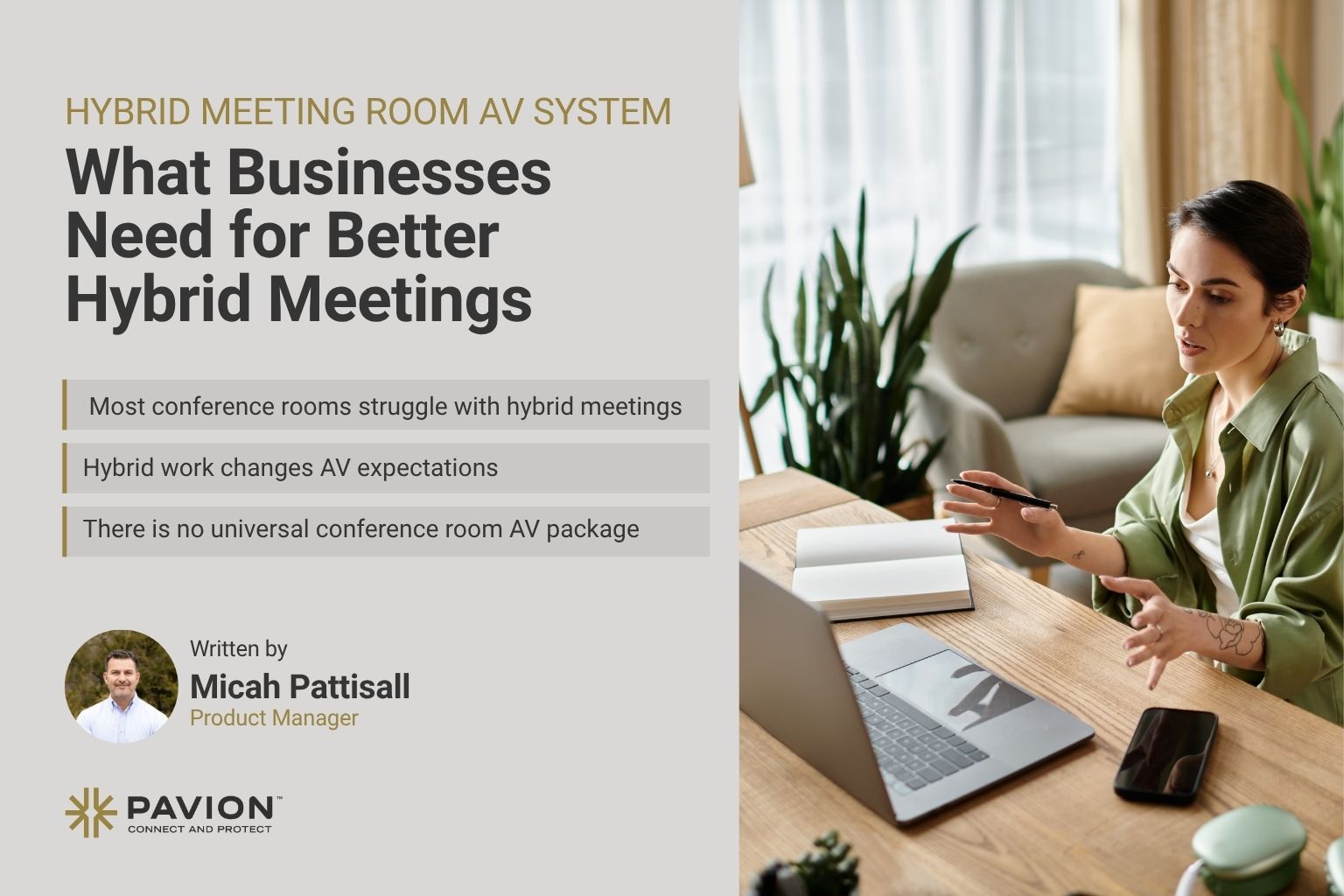
Hybrid Meeting Room AV System: What Businesses Need for Better Hybrid Meetings

A practical guide to creating conference rooms that are intuitive, reliable, and ready for modern collaboration.
Hybrid meetings are now a routine part of business, but the experience still falls short in many conference rooms. Remote participants struggle to follow conversations across the table. In-room attendees cannot clearly see or hear colleagues joining virtually. Meetings begin late because employees are troubleshooting cameras, cables, microphones, or connections. Move to another room, and the controls may be entirely different.
These problems are rarely caused by one bad device. More often, they result from technology that was added over time without a unified design. A professionally designed hybrid meeting room AV system brings audio, video, displays, collaboration platforms, controls, and network infrastructure together as one coordinated environment.
The objective is not to put more equipment in the room. It is to make the technology dependable, intuitive, and nearly invisible to the people using it.
What Is a Hybrid Meeting Room AV System?
A hybrid meeting room AV system is an integrated audiovisual environment that connects people in a physical room with participants joining remotely. Unlike a basic setup built around a television, webcam, and speakerphone, a professional system is designed around the room, its users, and the meetings it must support.
A complete solution may include:
- Commercial displays
- Conferencing cameras
- Ceiling or tabletop microphones
- Speakers
- Digital signal processing
- Microsoft Teams Rooms or Zoom Rooms technology
- Wireless presentation
- Touchscreen controls
- Scheduling panels
- Structured cabling
- AV-over-IP
- Lighting controls
- Remote monitoring
The right combination depends on room size, acoustics, seating, collaboration platforms, and business requirements.
Why Traditional Conference Rooms Fall Short
Many conference rooms were designed when most participants gathered in person. The display supported presentations, while a conference phone served the occasional remote attendee. Cameras, wireless sharing, and cloud collaboration platforms were often added later as separate upgrades.
Hybrid work changed the standard. Every participant now expects to hear, see, share, and contribute regardless of location.
When individual products are layered into a room without a complete design, predictable issues follow:
- Poor microphone coverage
- Distant camera views
- Echo
- Background noise
- Difficult content sharing
- Multiple remotes
- Inconsistent controls
- Delayed meeting starts
The Essential Elements of an Effective Hybrid Room
1. Audio That Makes Every Voice Clear
Audio is the foundation of a productive hybrid meeting. Participants may tolerate an imperfect camera angle, but they cannot collaborate when speech is difficult to understand.
Microphones should capture voices throughout the room without forcing users to lean toward a tabletop device. Speakers should provide even coverage without creating echo or feedback.
Depending on the room, the design may use tabletop microphones, ceiling arrays, beamforming technology, installed speakers, soundbars, and digital signal processing. Proper processing manages echo, background noise, and multiple audio sources so conversation feels natural.
A remote participant should hear someone at the far end of the table as clearly as the person sitting nearest the microphone.
2. Cameras Selected for the Space
A laptop webcam is designed for one person, not a conference room.
Room cameras should be selected according to dimensions, seating layout, viewing angles, and meeting style. Wide-angle coverage may be sufficient in a small huddle room, while larger spaces may require:
- Pan-tilt-zoom cameras
- Speaker tracking
- Automatic framing
- Presenter tracking
- Multiple camera views
The goal is to give remote attendees visual context without reducing the room to a distant, static shot. Camera placement and framing should help them recognize who is speaking and follow the flow of the conversation.
3. Displays That Support People and Content
Displays must be sized and positioned for the room. A single screen may work well in a small space, while a larger conference room may benefit from dual displays that show remote participants on one screen and shared content on the other.
Design decisions should account for:
- Viewing distance
- Seating
- Room dimensions
- Content type
- Number of remote participants
- Whether interactive collaboration is required
Even a strong AV system will feel ineffective if the display is too small, poorly positioned, or difficult to see from part of the room.
4. A Consistent Collaboration Platform
The collaboration platform is often the center of the user experience. Organizations may standardize on Microsoft Teams, Zoom, Webex, or support more than one platform.
Dedicated room systems generally provide a more reliable experience than asking every user to connect a laptop and assemble the meeting technology each time.
Features such as one-touch join, calendar integration, room scheduling, content sharing, participant controls, and integrated camera and microphone management reduce friction.
Platform requirements should be established early, before equipment is selected, so compatibility is part of the design rather than a late-stage workaround.
5. Controls That Require Little Explanation
Advanced technology has limited value if employees cannot operate it.
Common actions should be obvious:
- Join a scheduled meeting
- Adjust volume
- Select a source
- Share content
- Control the camera
- End the session
In more sophisticated rooms, the same interface may also manage lighting and shades.
6. Flexible, Frictionless Content Sharing
Employees, customers, and partners arrive with different devices and expectations.
A practical room may need to support:
- HDMI
- USB-C
- Wireless presentation
- Native platform sharing
- Bring-your-own-device connectivity
The best approach provides enough flexibility for common use cases without turning the room into a collection of cables, adapters, and confusing choices.
7. Network and Infrastructure Readiness
Modern AV systems increasingly rely on the corporate network for video conferencing, wireless presentation, AV-over-IP, device management, software updates, and remote monitoring.
As a result, IT should be involved from the beginning.
Match the Design to the Room
There is no universal conference room package. A four-person huddle room and a 20-person boardroom serve different purposes and require different levels of engineering.
Small Huddle Rooms
Small huddle rooms typically prioritize speed and simplicity. One display and an all-in-one video bar may provide the camera, microphone, speakers, content sharing, and one-touch conferencing users need.
Medium Conference Rooms
Medium conference rooms require more attention to microphone pickup, loudspeaker coverage, camera framing, and display size.
They may use:
- Dedicated microphones
- Additional speakers
- Advanced cameras
- Dual displays
- A touchscreen controller
Large Conference Rooms and Executive Boardrooms
Large conference rooms and executive boardrooms often require a fully engineered system with:
- Multiple displays
- Tracking or PTZ cameras
- Ceiling microphone arrays
- Distributed loudspeakers
- Digital signal processing
- Integrated controls
- AV racks
- Advanced signal distribution
As the room grows, an off-the-shelf kit becomes less likely to deliver consistent results.
A Disciplined Design and Installation Process
Successful projects begin with a room and use-case assessment, not a product list.
The project team should evaluate:
- Room dimensions
- Capacity
- Furniture
- Acoustics
- Lighting
- Viewing angles
- Existing infrastructure
- Preferred platforms
- User expectations
From that assessment, the AV system can be designed as a coordinated solution.
Power, cable pathways, network connections, mounting locations, and equipment access should be planned early to improve reliability and simplify future maintenance.
After installation and programming, the room should be tested and calibrated for microphone coverage, audio levels, camera framing, displays, content sharing, and platform performance.
Common Mistakes to Avoid
The most expensive conference room problems often begin during planning.
Buying displays, cameras, and microphones independently can create compatibility and coverage gaps. Design the experience first, then select the equipment.
Audio should never be treated as secondary to video. Poor microphone coverage or room acoustics can undermine an otherwise premium installation. Glass walls, hard floors, high ceilings, and other reflective surfaces may require acoustic treatment because electronics alone cannot correct every condition.
Organizations should also avoid unnecessary variation between rooms. Standard room types simplify:
- Training
- Support
- Device management
- Replacement
- Future expansion
Finally, every project needs a support and lifecycle plan. Conference room systems require monitoring, software updates, maintenance, and eventual refresh. Ownership should be clear before the first failure occurs.
The Business Case for Standardization
Organizations with multiple rooms or locations can create repeatable standards for:
- Huddle rooms
- Medium conference rooms
- Large collaboration spaces
- Executive boardrooms
Each room type can use a consistent technology stack, interface, documentation set, and support model.
AV-as-a-Service and Lifecycle Planning
Conference room technology evolves faster than many traditional building systems. Collaboration platforms, cameras, control systems, and security requirements continue to change, which makes lifecycle planning essential.
For some organizations, AV-as-a-Service offers an alternative to a large one-time investment.
Depending on the program, a subscription may include:
- Equipment
- Installation
- Support
- Maintenance
- Monitoring
- Planned technology refreshes
The right financial model depends on the organization, but the operational objective remains the same: keep meeting rooms reliable, supportable, and aligned with the way employees work.
Choosing the Right AV Partner
A hybrid meeting room project involves more than mounting displays and connecting cameras.
A qualified AV partner should evaluate the complete environment, coordinate with IT and facilities, engineer the solution, commission the room, train users, and support the system throughout its lifecycle.
Look for capabilities in:
- AV consultation and design
- Audio engineering
- Conferencing integration
- Control programming
- Structured cabling
- Testing
- Remote monitoring
- Maintenance
- Technology refresh planning
Organizations with multiple facilities should also consider whether the partner can create and deploy repeatable standards across locations.
Build the Room Around the Meeting
The best hybrid meeting room is not the one with the most technology. It is the one people can use without thinking about the technology.
Employees should be able to enter the room, join the meeting, hear every participant, see remote colleagues, share content, and collaborate without troubleshooting first.
That result requires deliberate planning across audio, video, platforms, controls, network infrastructure, acoustics, and support.
Pavion designs, installs, and supports integrated audiovisual and communications solutions for organizations upgrading a single room, standardizing collaboration spaces across multiple offices, or evaluating AV-as-a-Service.
The focus is straightforward: create meeting environments that work consistently for everyone, wherever they are joining from.
Frequently Asked Questions
What is a hybrid meeting room AV system?
A hybrid meeting room AV system is an integrated audiovisual setup designed to connect in-room and remote participants. It can include displays, cameras, microphones, speakers, conferencing platforms, control systems, content sharing, and network infrastructure working together as one coordinated solution.
What equipment is typically included in a hybrid meeting room?
A hybrid meeting room may include commercial displays, conferencing cameras, ceiling or tabletop microphones, speakers, digital signal processing, touchscreen controls, scheduling panels, wireless presentation technology, structured cabling, and Microsoft Teams Rooms, Zoom Rooms, or other conferencing platforms.
How do you choose the right AV system for a conference room?
The right AV system depends on factors such as room size, seating layout, acoustics, lighting, viewing distance, number of participants, collaboration platform, and how the room will be used. A room and use-case assessment should be completed before selecting equipment.
Why is audio so important in a hybrid meeting room?
Clear audio is essential for effective collaboration. Microphones, speakers, acoustic conditions, and digital signal processing should work together so both in-room and remote participants can hear conversations clearly without echo, feedback, or excessive background noise.
What is the difference between a small huddle room and a large conference room AV system?
Small huddle rooms may only require a display and an all-in-one video bar, while larger conference rooms and executive boardrooms often need multiple displays, advanced cameras, ceiling microphone arrays, distributed speakers, digital signal processing, integrated controls, and more advanced signal distribution.
Can hybrid meeting rooms support Microsoft Teams and Zoom?
Yes. Hybrid meeting rooms can be designed around Microsoft Teams Rooms, Zoom Rooms, Webex, or multiple collaboration platforms. Platform requirements should be determined early in the design process to ensure equipment compatibility and a consistent user experience.
Why should conference room AV systems be standardized?
Standardizing conference room technology across an organization can make rooms easier to use, support, maintain, and upgrade. Consistent room types can also simplify employee training, device management, troubleshooting, and future expansion.
What is AV-as-a-Service?
AV-as-a-Service is a subscription-based approach to audiovisual technology that may include equipment, installation, support, maintenance, monitoring, and planned technology refreshes. It can help organizations manage the lifecycle of their conference room technology while keeping systems current and supportable.
What should organizations look for in an AV integration partner?
Organizations should look for an AV partner with capabilities in system design, audio engineering, conferencing integration, control programming, structured cabling, testing, commissioning, remote monitoring, maintenance, and lifecycle planning.