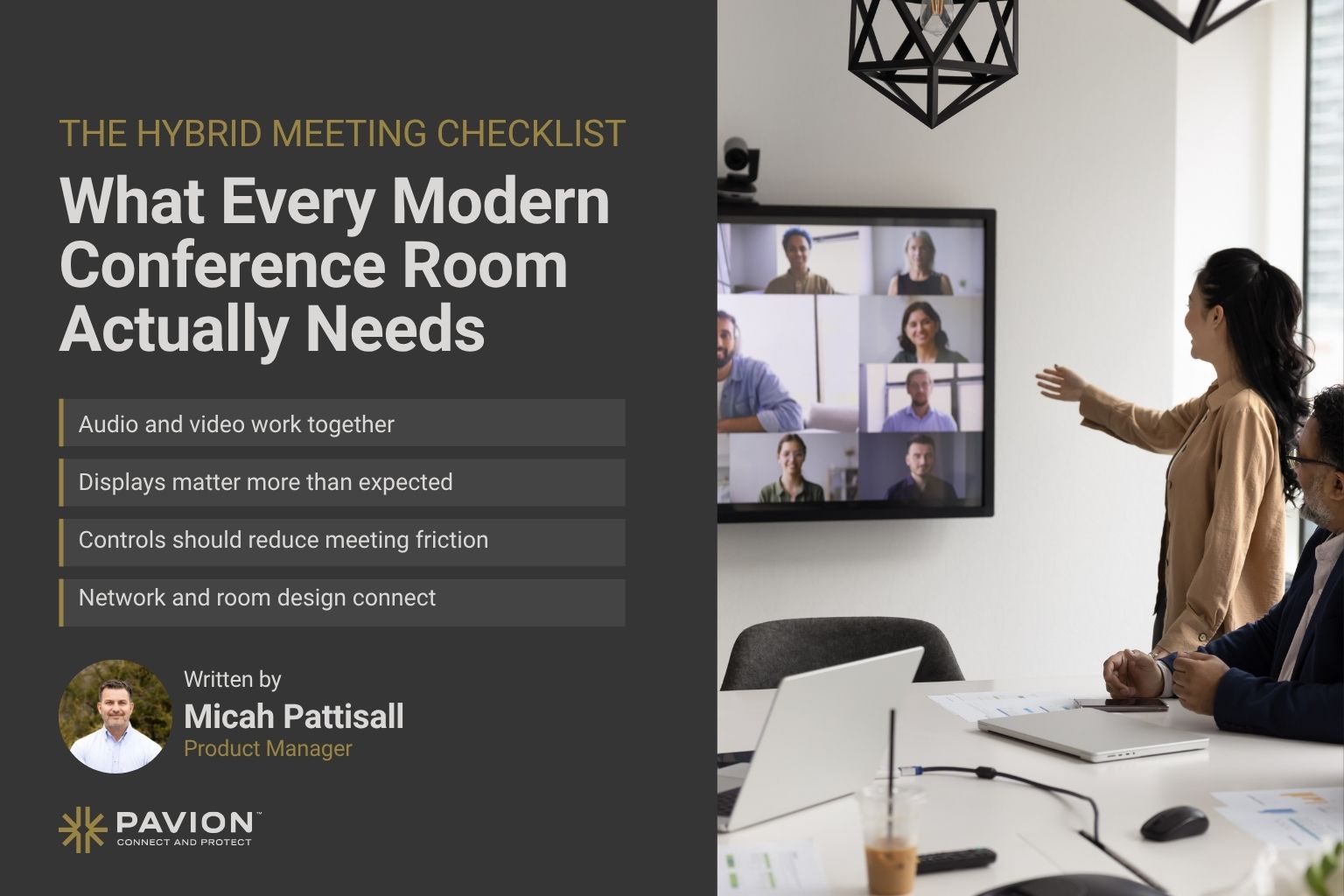
The Hybrid Meeting Checklist: What Every Modern Conference Room Actually Needs

Hybrid meetings are no longer an occasional workaround. They are now a standard part of how businesses communicate, collaborate, interview candidates, meet with clients and connect teams across locations.
But simply putting a webcam and speakerphone in a conference room does not create a good hybrid meeting experience.
A modern conference room needs to make it just as easy for someone joining remotely to participate as it is for the people sitting at the table. That requires the right combination of conference room technology, audio, video, displays, connectivity and room controls working together.
If your organization is planning a conference room upgrade, building new collaboration spaces or trying to solve recurring meeting frustrations, use this hybrid meeting room checklist to determine what your rooms actually need.
1. A High-Quality Conference Room Camera
Video is one of the most important components of any hybrid meeting room.
Remote participants should be able to clearly see the people in the room without staring at a grainy, poorly framed image or constantly losing sight of whoever is speaking.
Modern conference room cameras may include:
- High-resolution video
- Wide-angle coverage
- Automatic framing
- Speaker tracking
- Presenter tracking
- Intelligent zoom
- Multiple-camera configurations for larger rooms
The right camera depends heavily on the size and layout of the room.
A small huddle space may work well with a single wide-angle camera, while a boardroom or large conference room may need multiple cameras or intelligent tracking technology to provide a natural viewing experience.
Hybrid meeting checklist: Can remote attendees clearly see everyone in the room without someone manually adjusting the camera?
2. Microphones That Pick Up Everyone Clearly
Poor audio can ruin a meeting faster than almost anything else.
If remote participants repeatedly hear:
- “Can you hear me?”
- “Can you repeat that?”
- “Move closer to the microphone.”
…the meeting room is not doing its job.
Conference room microphones should provide consistent coverage throughout the space so participants can speak naturally without leaning toward a device.
Depending on the room, microphone options may include:
- Table microphones
- Ceiling microphones
- Beamforming microphone arrays
- Integrated microphone and speaker systems
- Wireless microphones for flexible spaces
Larger conference rooms also require careful consideration of acoustics, microphone placement and room coverage.
The goal is simple: everyone should be heard clearly, regardless of where they are sitting.
3. Professional Conference Room Speakers
Good microphones solve only half of the audio problem.
People inside the conference room also need to hear remote participants clearly without excessive volume, distortion or echo.
Professional audio systems can provide more even sound throughout a meeting space than relying on speakers built into a television or laptop.
For larger spaces, audio design may require multiple strategically positioned speakers so sound remains consistent across the room.
A properly designed system should also address common problems such as:
- Echo
- Feedback
- Uneven volume
- Background noise
- Audio delays
Clear, natural audio makes conversations feel less like a video call and more like everyone is actually in the same room.
4. The Right Displays for the Room
One display is not automatically enough.
A modern conference room needs to make presentations, shared content and remote participants easy to see from every seat.
Depending on room size, that may mean:
- One large commercial display
- Dual displays
- Multiple displays throughout a larger room
- Projection systems for specialized spaces
Dual displays are particularly useful for hybrid meetings because one screen can display shared content while the other keeps remote participants visible.
Without that separation, remote attendees often disappear whenever someone begins presenting.
That may seem like a minor inconvenience, but it changes the entire meeting dynamic.
5. A Standardized Video Conferencing Platform
Whether your organization relies on Microsoft Teams, Zoom, Google Meet or another collaboration platform, the conference room should support the tools employees actually use.
Dedicated meeting room systems can make joining calls significantly easier than relying on someone to connect a laptop every time.
Ideally, users should be able to walk into the room, find their scheduled meeting and join with minimal effort.
For organizations with multiple offices or many conference rooms, standardization becomes especially important.
Using consistent room technology across locations can simplify:
- User training
- IT support
- Troubleshooting
- System maintenance
- Future upgrades
Employees should not have to learn a completely different meeting room every time they visit another office.
6. One-Touch Meeting Controls
Conference room technology should reduce friction, not create it.
If employees need written instructions taped to the wall just to start a meeting, the system is probably too complicated.
Modern room controls can allow users to manage multiple technologies from one simple interface.
That may include:
- Starting or joining meetings
- Adjusting volume
- Selecting content sources
- Controlling displays
- Changing camera views
- Sharing presentations
- Managing lighting or shades
The best meeting room technology often feels almost invisible because users can focus on the conversation instead of figuring out how the room works.
7. Simple Wireless Content Sharing
Passing HDMI cables around a conference table should not be the default way to share content.
Modern collaboration spaces increasingly support wireless presentation capabilities that allow employees and guests to share their screens quickly.
Wireless content sharing can be especially valuable when multiple people need to present during the same meeting.
It also helps reduce cable clutter and makes conference rooms more flexible for employees using different devices.
However, organizations should still consider whether wired connectivity is necessary as a backup or for specific applications.
8. Reliable Network Connectivity
Even the best conference room equipment cannot compensate for an unreliable network.
Video conferencing depends heavily on network performance, and connectivity problems can lead to:
- Frozen video
- Dropped calls
- Audio delays
- Poor image quality
- Difficulty sharing content
Conference room planning should therefore include an evaluation of the organization’s network infrastructure.
For businesses adding more video-enabled meeting rooms, it may also be necessary to consider whether the existing network can support increased bandwidth demands.
Conference room technology and network infrastructure should be planned together rather than treated as completely separate systems.
9. Proper Room Acoustics
Technology is only one part of meeting room design.
A room filled with glass walls, hard floors and reflective surfaces may look impressive but create challenging acoustics.
Sound bouncing throughout the space can make conversations difficult for both in-person and remote participants.
Acoustic treatments can help reduce reverberation and improve speech clarity.
Depending on the room, that could include:
- Acoustic wall panels
- Ceiling treatments
- Carpeting or softer surfaces
- Strategic speaker and microphone placement
- Digital signal processing
Addressing acoustics during the design phase is typically easier than trying to correct significant audio problems after a room is already built.
10. Lighting Designed for Video
Lighting is easy to overlook when planning conference room technology.
It becomes much more noticeable once people appear on camera.
Backlighting from windows, harsh overhead lighting or poorly positioned fixtures can make participants appear dark, washed out or difficult to see.
Conference rooms used regularly for video conferencing should consider lighting conditions alongside camera placement.
The goal is not to turn the conference room into a television studio. It is simply to provide consistent, flattering illumination that allows remote participants to see the room clearly.
11. Easy Connectivity for Employee and Guest Devices
Employees may walk into a conference room with different laptops, tablets and mobile devices.
Guests may bring entirely different equipment.
Modern conference rooms should accommodate those situations without requiring someone from IT to arrive with a bag of adapters.
Consider support for:
- USB-C
- HDMI
- Wireless presentation
- Bring Your Own Device (BYOD) conferencing
- Guest connectivity
Organizations should also establish clear policies around network access and device security when guests connect to collaboration technology.
12. Room Scheduling and Availability
A well-equipped conference room is not particularly useful if employees cannot find or reserve it.
Room scheduling technology can give employees greater visibility into meeting space availability and help organizations make better use of their conference rooms.
Solutions may include:
- Scheduling panels outside meeting rooms
- Calendar integrations
- Workspace reservation platforms
- Occupancy sensors
- Room utilization analytics
Some systems can even release rooms automatically when no one arrives for a reservation, helping prevent unused spaces from remaining booked.
13. Remote Monitoring and Management
Conference rooms have increasingly become part of the organization’s IT environment.
When dozens or hundreds of meeting spaces are deployed across multiple locations, manually checking every room is inefficient.
Remote management capabilities can help IT teams monitor system health and identify issues before employees walk into an important meeting.
Depending on the technology platform, administrators may be able to monitor:
- Device connectivity
- Camera status
- Microphone status
- Display status
- Software versions
- System errors
- Room utilization
For multi-location organizations, centralized management can significantly simplify conference room support.
14. Security Built Into the Collaboration Environment
Conference room technology connects cameras, microphones, displays, computers and cloud collaboration platforms.
That means security cannot be an afterthought.
Organizations should evaluate how meeting room devices are connected, managed and updated.
Important considerations include:
- Device authentication
- Network segmentation
- Firmware updates
- Access permissions
- Secure guest connectivity
- Platform administration
The more connected the conference room becomes, the more important it is to manage that environment as part of the organization’s broader technology infrastructure.
The Complete Hybrid Meeting Room Checklist
Before completing your next conference room upgrade, ask whether the space includes:
- High-quality conference room camera
- Full-room microphone coverage
- Clear professional audio
- Appropriately sized displays
- Dual-screen capabilities where needed
- Microsoft Teams, Zoom or preferred conferencing platform integration
- One-touch meeting controls
- Wireless presentation capabilities
- Wired connectivity and backup connections
- Reliable network infrastructure
- Proper room acoustics
- Video-friendly lighting
- BYOD and guest connectivity
- Room scheduling capabilities
- Remote device monitoring and management
- Secure device and network configuration
- Standardized technology across locations
- A support and maintenance strategy
One More Question: Is the Room Actually Easy to Use?
There is one final test every organization should perform.
Ask someone who did not design the room to walk in and start a meeting.
Can they do it without instructions?
Can they share their screen?
Can remote attendees hear everyone?
Can everyone see the presentation?
Can someone adjust the volume or camera without calling IT?
If the answer to those questions is yes, you likely have a well-designed collaboration environment.
If not, adding more technology may not be the solution. The room may need to be simplified or redesigned around the actual user experience.
Planning a Conference Room Upgrade?
The best conference rooms are not necessarily the ones with the most technology. They are the ones where audio, video, displays, networking, controls and collaboration platforms work together as one reliable system.
That becomes even more important for organizations upgrading multiple conference rooms or standardizing collaboration technology across several locations.
A professional audiovisual strategy can help determine the right technology for each room size, integrate systems properly and create a consistent meeting experience across your organization.
Planning new conference rooms or upgrading outdated meeting spaces? Pavion can help design, integrate and support modern audiovisual and collaboration environments built around the way your teams actually work.